
What Is a Court Docket in Swift County
A docket is the court's running list of events in a case. It shows the hearing schedule, filing actions, orders, and other dated entries that move the case forward. A docket is narrower than the full case record because it does not replace the complete file, and it is narrower than a certified copy because it is usually a public summary view rather than an official paper copy. In Swift County, the district court docket is part of the same record structure that feeds MCRO and the public calendar.
Swift County does not have a separate county-level municipal or justice court in the official sources reviewed. District Court handles the county's civil, family, probate, juvenile, criminal, and traffic cases. That means the docket view can show a wide range of case types, from a criminal omnibus hearing to a probate hearing or a civil settlement conference. The docket is most useful when a user already knows the case number or has a hearing notice to match against the calendar.
The Swift County public court calendar is the local hearing list posted by the court. It is the best public view for same-day or near-term hearing information, even though printed calendars outside the courtroom or in public lobbies are the current reference point for the day.
How to Find Swift County Dockets Online
Use MCRO Hearing Search when the question is what hearing is scheduled or what hearing already appeared on the docket. Hearing Search supports name, case number, judicial officer, and attorney lookups. For Swift County users, the county filter and the hearing date are the most practical ways to narrow the result list. The public calendar is the second source to check because it can show the same hearing in a cleaner day-by-day format.
- Open MCRO Hearing Search or the Swift County public calendar PDF.
- Select Swift County when the search offers county filtering.
- Enter the party name, case number, judicial officer, or attorney name.
- Review the hearing date, time, hearing type, and connection type.
- Compare the result with Court Administration if the hearing has changed or is missing.
The Hearing Search screen at MCRO Hearing Search shows the public online path that matches the calendar view. It is useful for seeing scheduled hearings, but it does not promise that every courtroom event or confidential matter will be visible.
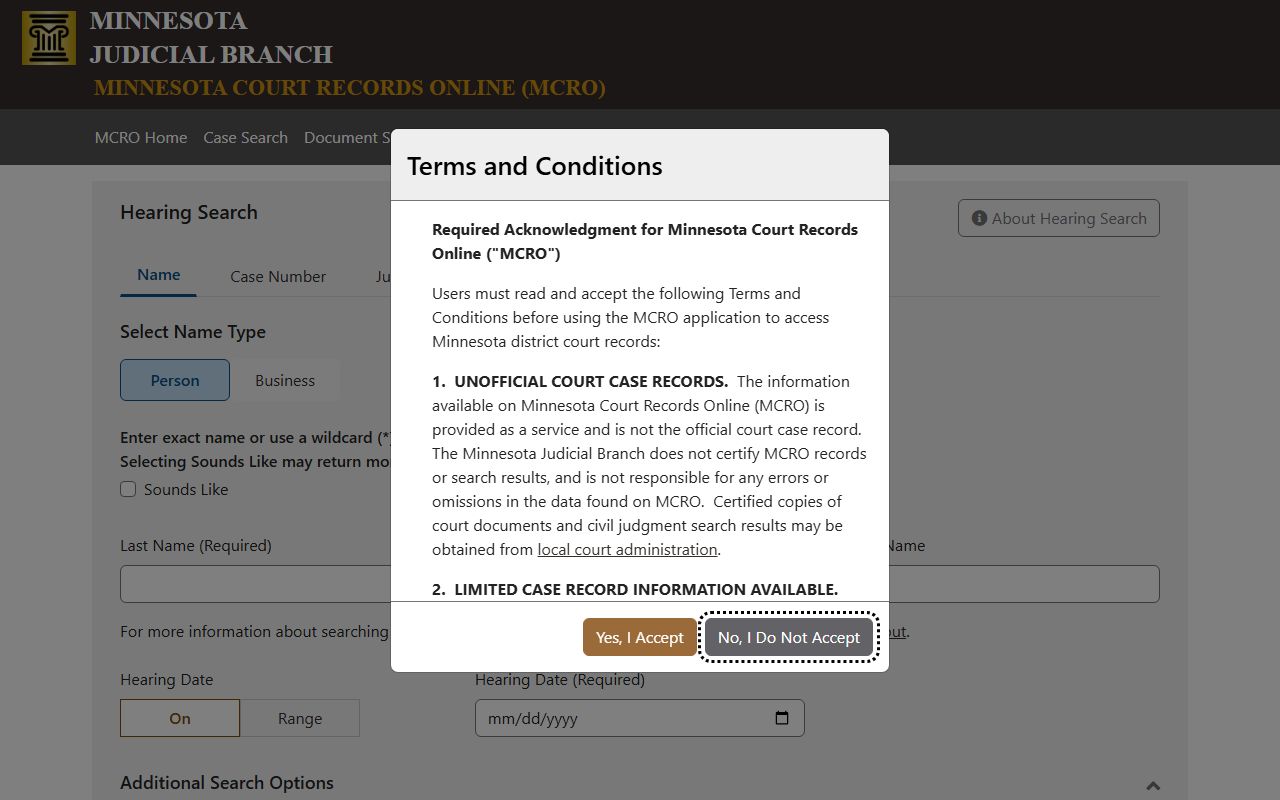
That screen is the main online docket tool because it is built for scheduled hearings rather than for the whole case file.
Swift County Court Calendar Field Inventory
The Swift County calendar is a public district court calendar, not a simple list of case names. It carries enough detail to identify the matter, the hearing slot, and the person or role connected to the appearance. The sample calendar reviewed in the research also showed that the calendar is updated through the day and includes a printed timestamp, which matters when the docket changes after the first morning posting.
| Field | What It Shows |
|---|---|
| Calendar title | District Court Calendar - Swift County. |
| Printed timestamp | Date, time, and page number on the posted calendar. |
| Party name | The named person or attorney tied to the hearing entry. |
| Hearing location | Courtroom or remote-specific location information when listed. |
| Hearing date | The calendar date for the hearing. |
| Time | The scheduled hearing time, shown in AM/PM format. |
| Judicial officer | The judge or judicial officer assigned to the hearing. |
| Hearing type | Probation violation, sentencing, omnibus, arraignment, probate, settlement conference, or other listed type. |
| Connection type | Attorney, defendant, decedent, or other appearance role. |
| Case number | Swift County case numbers such as 76-CR, 76-CO, and 76-PR entries. |
The calendar field mix is why a docket search and a calendar search are not interchangeable. A docket entry tells the story of a case, while the calendar tells the next public hearing slot. Both matter, and both can change before the hearing starts.
Hearing Types That Appear in Swift County
Swift County's sample calendar showed a practical cross-section of hearing types. Criminal hearings included probation violation hearings, sentencing, contested omnibus hearings, arraignments, contested revocation hearings, and pretrial hearings. Noncriminal matters included conciliation hearings, probate hearings, and settlement conferences. That mix shows how one district court calendar can serve several record types at once.
- Arraignment hearings show an early criminal appearance tied to the filed charge.
- Omnibus and pretrial hearings often address motions, evidence, or settlement discussions.
- Sentencing and probation hearings show post-disposition criminal activity.
- Probate and conciliation hearings show the court's broader civil and estate calendar.
The same public calendar can also show when a hearing is scheduled by a judicial officer rather than by a party name. That is one reason the hearing search supports judicial-officer and attorney searches. The court treats the calendar as a working schedule, not as a fixed public promise that a hearing will definitely occur at the listed minute.
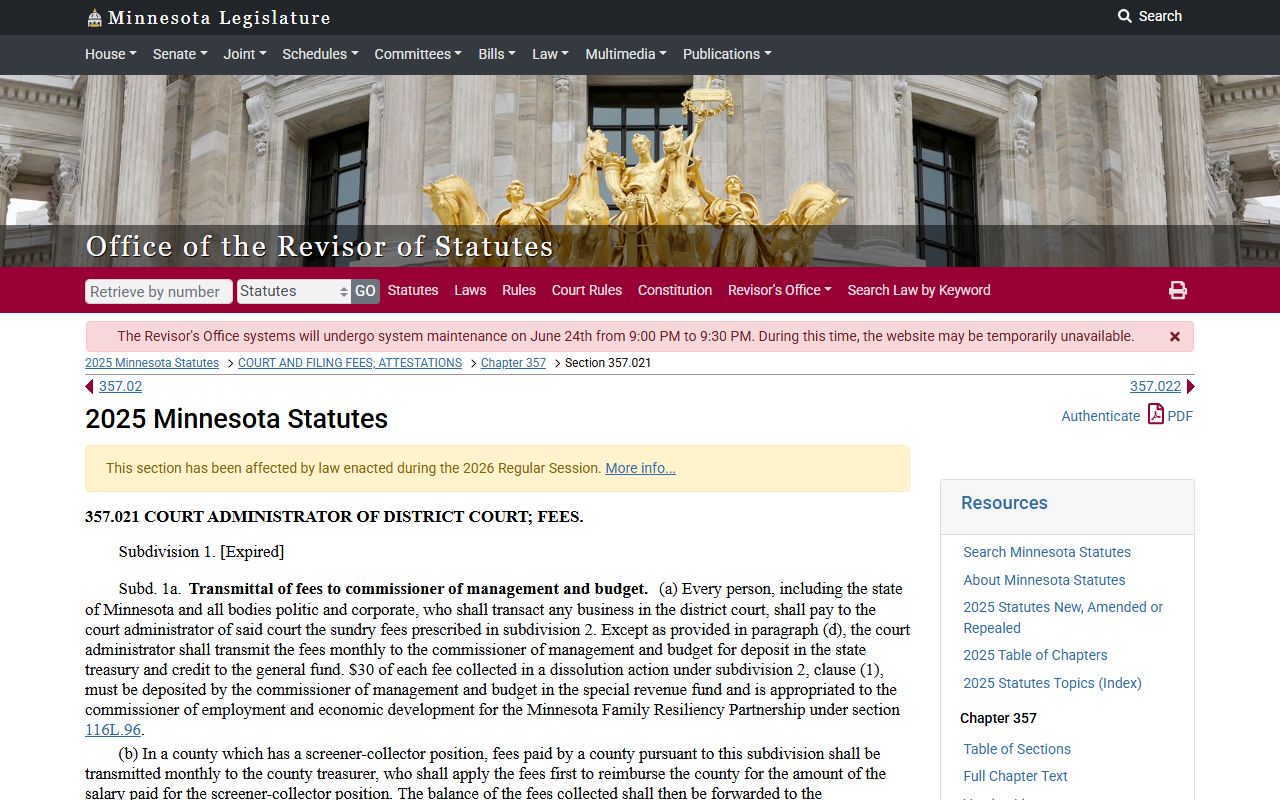
The fee-authority image is a reminder that records work and filing work are different from the hearing calendar itself. If a docket turn requires a certified copy later, the fee schedule becomes relevant.
Docket vs. Full Case Record
The docket is the timeline. The full case record is the underlying file. In Swift County, the docket may tell you that a hearing happened, that a motion was filed, or that a sentencing date was set, but it will not always show the document itself. The full case record may include motions, affidavits, orders, exhibits, notices, and certified copies that are not visible from a quick calendar view. That distinction matters when a user is trying to reconstruct the procedural history of a case instead of just confirming the next court date.
| Docket | Full Case Record | |
|---|---|---|
| Format | List of entries | Documents plus entries |
| Access | Often online and free | May require a visit or certified copy request |
| Use | Track case progress and hearing timing | Read filings, orders, and evidence-related papers |
The public calendar PDF sits closer to the docket view than to the full record. That is why docket users should think in terms of timing and case movement, not in terms of the complete paper file.
Why a Hearing May Not Appear
A hearing can be missing for a few different reasons. It may be confidential, restricted, or not yet posted. It may have been continued or removed after the first morning calendar publication. It may also be scheduled in a way that does not show up in every public view. Swift County's research noted that the public calendar does not include all matters handled each day, that confidential cases do not appear, and that the calendar is updated hourly after the first posting.
That is why the printed courthouse calendar is important. The research file says the printed calendar in the courthouse is the most current daily information. If a person is already at the courthouse, that printed copy is the better day-of resource. If a person is searching before travel, the online calendar and MCRO Hearing Search are still useful, but they should be treated as live scheduling tools rather than permanent records.
For a docket question that is not answered online, Swift County Court Administration is the fallback. The office can confirm whether a hearing has changed, whether a docket entry is public, and whether the matter belongs in District Court or needs a different records channel.
Calendar Timing and Court Administration
Swift County's public calendar is posted at 7:00 a.m. each business day and updated hourly. That update cycle is important because hearings can shift during the same day, and the online calendar can lag behind the printed courthouse copy or the latest courtroom change. A docket search is most accurate when the user checks the hearing date, the judicial officer, and the case number together rather than relying on party name alone.
If the calendar is unclear, Court Administration is the source that can explain the docket. That office handles certified copies and local court-record questions, and it is the right place to verify whether a hearing is still on the calendar. Docket information is often public, but it is not always complete enough to stand alone when a person needs a dependable court appearance time.
For copy or fee questions that follow a docket search, the state fee schedule at District Court Fees is the place to confirm court charges. The fee schedule is not the docket itself, but it often becomes relevant once someone needs a record pulled or certified after a hearing.